
Employee sign-in
Staff sign-in that puts your people on the board and the roll-call.
ReceptionOS shows who is on site now, staff included, on a board that refreshes automatically. Staff sign in with a PIN. It puts them on the board and the fire roll-call. It is not an access control.
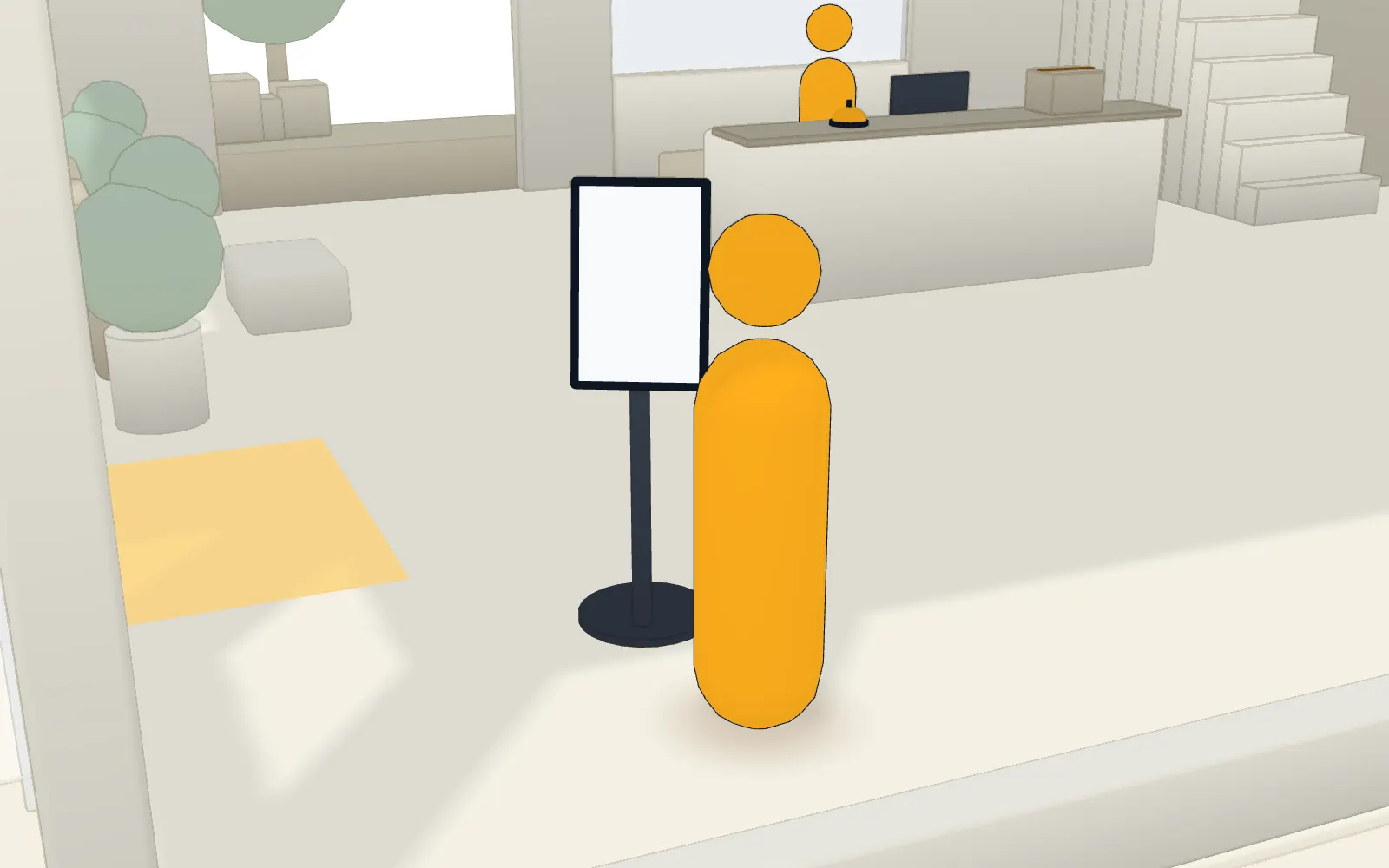
A PIN, and a keypad that shuffles.
A convenience for the sign-in board, not an access control: a PIN doesn’t open doors, and the kiosk doesn’t connect to access control systems yet.
- Employees sign in with a PIN: the keypad layout shuffles on every attempt, wrong guesses trigger a lockout, and PINs are stored hashed.
- A half-finished sign-in clears itself after 45 seconds of inactivity.
Staff are on the roll-call.
Everyone signed in is on the list your wardens use.
- Starting a roll-call snapshots everyone signed in at the site, staff included, and wardens mark people as accounted for from their phones.
- Fire wardens have a role of their own.
Your directory keeps the host list current.
Directory sync is part of Enterprise identity: £2,400 per organisation per year, ex VAT, covering every site. It adds staff as hosts; it doesn’t set PINs.
- SCIM directory sync adds new staff as hosts, removes access for leavers and ends their sessions, every four hours or on demand, with a Microsoft Entra guide.
What staff sign-in doesn’t do yet
We’d rather you heard it from us before the demo.
- NFC and card sign-in are not available yet: employees sign in with a PIN. Planned
- Access control integrations are not available yet. Planned
FAQ
Questions buyers ask us.
How do employees sign in?
At the front-desk tablet with a PIN of six digits or more. The keypad layout shuffles on every attempt, wrong guesses trigger a lockout, and PINs are stored hashed, never readable.
Is a PIN an access control?
No. A PIN puts an employee on the sign-in board and the fire roll-call. It doesn’t open doors, and the kiosk doesn’t connect to access control systems yet.
Do staff appear on the fire roll-call?
Yes. A roll-call starts from everyone signed in at the site, staff included. Staff who haven’t signed in aren’t on it, so ask people to sign in when they arrive.
Does it track attendance or hours?
No. ReceptionOS shows who is on site now, for hosts and for the fire roll-call. It isn’t built for timesheets or payroll.
Can staff sign in with a card?
Not today. Staff sign in with a PIN at the kiosk.
Does staff sign-in work when the wifi is down?
No. Employee PINs need a connection, so staff can’t sign in with a PIN while the tablet is offline. The kiosk keeps signing visitors in when the wifi drops: sign-ins and sign-outs queue on the tablet and sync, with their real times, when the connection returns. While offline the kiosk runs a basic sign-in without your documents, questions, photo or host search. Contractor inductions, permits and employee PINs need a connection, and a contractor signed in offline on a journey that asks for an induction or a permit isn’t recorded. The watchlist is checked when it reconnects. A sign-in still waiting on the tablet isn’t on a fire roll-call started before it syncs.
See it on your own front desk.
Book a 20-minute demo on video, or on site in South Wales. If it fits, we’ll set up a 30-day pilot on a tablet you already own.
In 20 minutes we’ll show you:
- The kiosk in English, then Cymraeg
- A contractor held for approval
- A host’s email arriving
- A live roll-call across two phones, one losing signal
We reply within one working day.
