
Fire roll-call
Fire roll-call your wardens run from their phones.
ReceptionOS turns your visitor list into a live fire roll-call. Starting one takes a snapshot of everyone signed in at the site, and every warden’s phone stays in sync until the all clear.
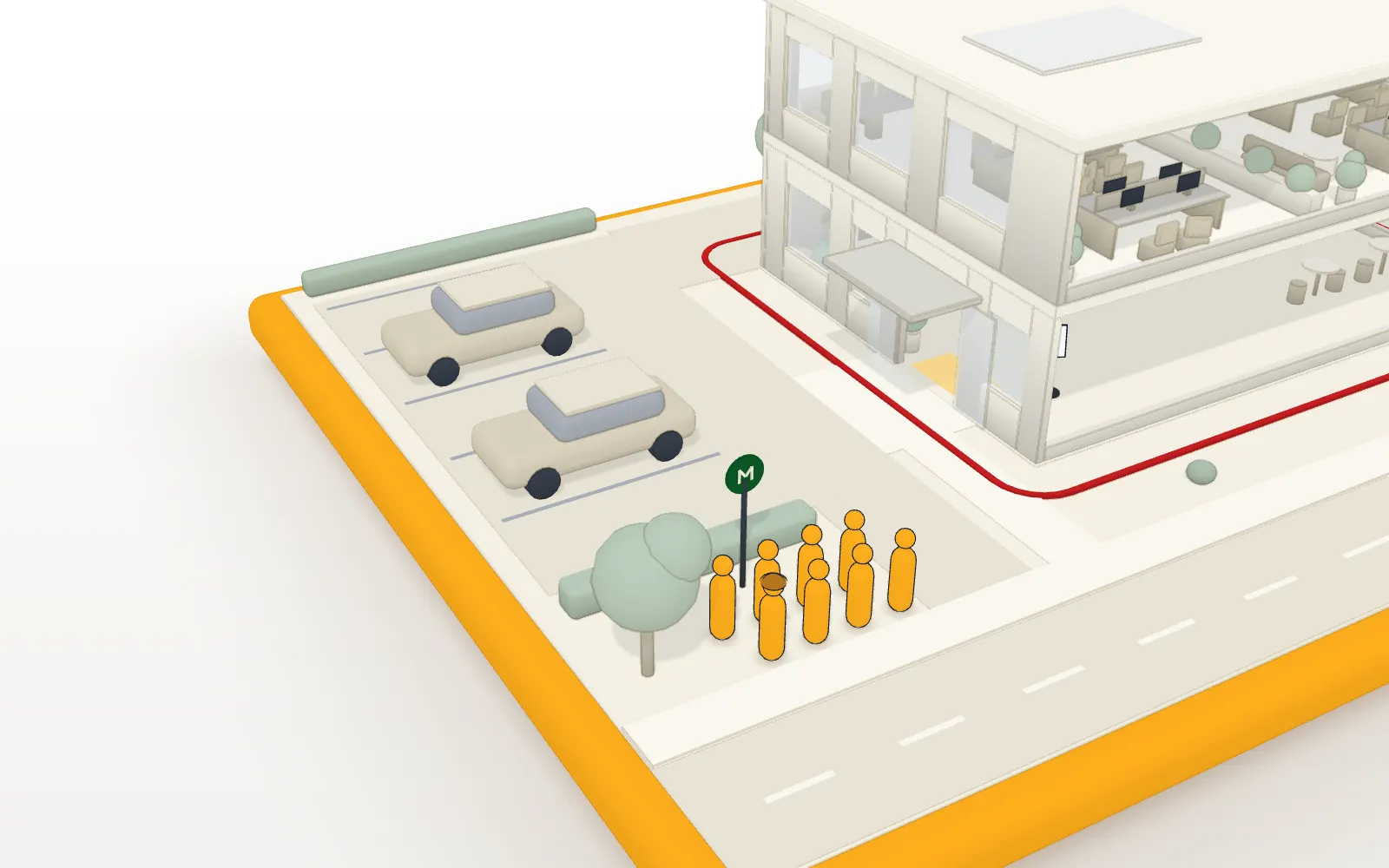
Two wardens, one roll-call. Press a name on either phone to mark them at the muster point, and both phones update. Drop the second phone’s signal, mark someone there, then reconnect. All clear stays disabled on a phone until everyone is accounted for and that phone’s own marks have synced.
Keyboard: focus a person, then press m to mark them safe or u to unmark.
3 / 6 accounted for
3 still to account for
All clear — everyone is accounted for
Everyone signed in has reached the muster point. You can end the roll-call.
6 / 6
Keyboard: focus a person, then press m to mark them safe or u to unmark.
3 / 6 accounted for
3 still to account for
All clear — everyone is accounted for
Everyone signed in has reached the muster point. You can end the roll-call.
6 / 6
Illustrative, with fictional people. ReceptionOS doesn’t raise the alarm or call the emergency services, in a drill or a real evacuation.
Everyone signed in is on the list.
A roll-call is only as good as the list behind it, so it starts from who actually signed in.
- Starting a roll-call snapshots everyone signed in at the site, wardens and managers mark people as accounted for from their phones, and every device stays in sync live.
- Visitors who forget to sign out are signed out at midnight, and managers get a digest email.
- A board shows who is on site now and refreshes automatically.
Signal drops. The roll-call holds.
Assembly points are often car parks and side streets, where signal comes and goes. Open the roll-call before you head outside, and it holds from then on.
- The roll-call holds through dropped signal: marks made without a connection are saved on the phone, labelled as awaiting sync, and sent when it reconnects. The roll-call page must already be open before the signal drops.
- The all clear can't be given until everyone is accounted for, and a roll-call can be exported as CSV.
Drill or real, always labelled.
Practise on the same screens your wardens would use for real.
- Every roll-call is labelled as a practice drill or a real evacuation, and each one is kept on record afterwards.
- Fire wardens have a role of their own.
Made for a warden on the move.
Read at arm’s length, outside, often in the rain.
- On a phone, the roll-call has a compact layout, a filter for people not yet accounted for, search by name or company, and a home-screen shortcut on iPhone.
- Every roll-call state is shown with a word and an icon as well as a colour, wardens can mark people from the keyboard, and the sound cue can be muted.
FAQ
Questions buyers ask us.
What is a fire roll-call app?
A fire roll-call app puts the list of everyone signed in on your fire wardens’ phones, so they can account for each person at the assembly point. ReceptionOS builds that list from who signed in at the kiosk, and keeps every warden’s phone in sync.
Who is on the roll-call?
Everyone signed in at the site when the roll-call starts: visitors, contractors and staff. Visitors who forget to sign out are signed out at midnight, so yesterday’s visitors aren’t on today’s list.
What happens if a warden loses signal?
The roll-call holds. Marks made without a connection are saved on the phone, labelled as awaiting sync, and sent when it reconnects, and that phone’s all clear waits until they have synced. Open the roll-call before you head outside: a phone with no connection can’t load it for the first time.
Does ReceptionOS call the fire service?
No. ReceptionOS doesn’t raise the alarm or contact the emergency services, in a practice drill or a real evacuation. Your fire alarm and your fire procedure do that. ReceptionOS helps your wardens account for everyone once they are outside.
Do wardens need to install an app?
No. Each warden opens the roll-call in the ReceptionOS admin portal on their own phone, and on an iPhone they can add it to the home screen. Fire wardens have a role of their own.
Can we keep a record of each drill?
Yes. Every roll-call is labelled as a practice drill or a real evacuation, and a summary of each is kept afterwards: when it ran, which it was, and how many people were accounted for. To keep the full list, export it as a CSV file before you end the roll-call.
See it on your own front desk.
Book a 20-minute demo on video, or on site in South Wales. If it fits, we’ll set up a 30-day pilot on a tablet you already own.
In 20 minutes we’ll show you:
- The kiosk in English, then Cymraeg
- A contractor held for approval
- A host’s email arriving
- A live roll-call across two phones, one losing signal
We reply within one working day.
