
Visitor sign-in
Replace your paper visitor book with a sign-in system.
ReceptionOS signs in visitors, contractors, staff and deliveries on the tablet at your front desk, each with a journey of its own. It replaces the paper visitor book with one list of who is on site now.
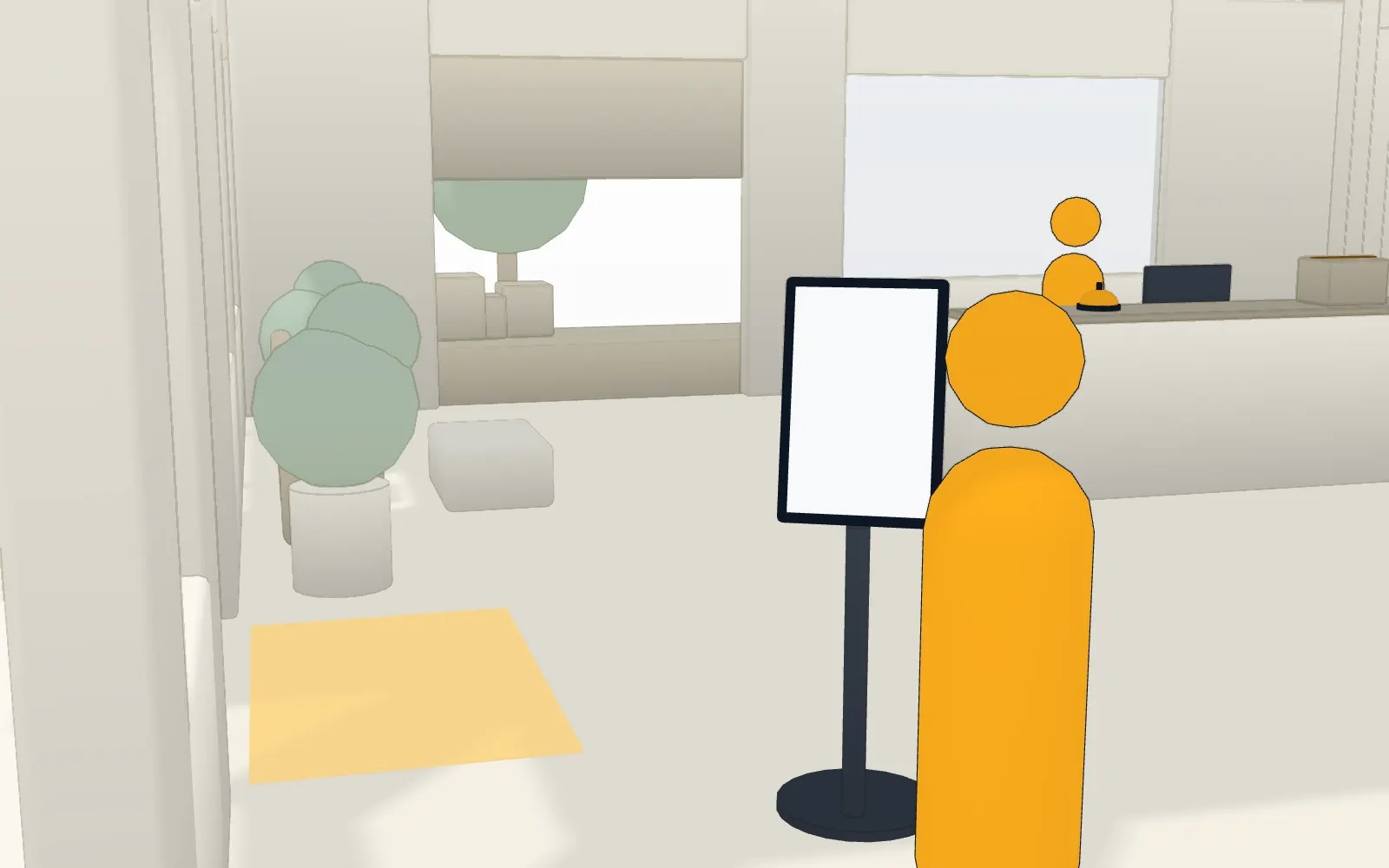
Each visitor gets the right questions.
You choose what each journey asks, site by site.
- You decide what each journey asks for: the host, a photo, documents, contractor approval, induction and permit acknowledgements, and your own questions.
- Visitors find their host by typing a name, and each match shows the host's company.
- A visitor's photo is optional, and visitors can always skip it.
- Visitors can sign in from their own phone through a link, or pre-register themselves through a public link.
Documents read to the end, and kept on record.
Your NDA or health and safety rules, in text or PDF.
- Visitors read each NDA or health and safety document to the end before accepting it, in text or PDF, and several documents can sit on one journey in order. Documents need a connection, and a document that can't load can be skipped.
- Every acceptance records the exact version of the document, and editing a document creates a new version and keeps the old one on record.
Expected visitors skip the questions they have answered.
Pre-register one visitor, or a whole spreadsheet of them.
- Pre-register visitors one at a time or in bulk from a spreadsheet, up to 500 rows at a time, with a preview that names any rows it skipped.
- Expected visitors arrive with a code and skip the questions they have already answered.
- Visitors get an email with their invite code and a calendar invitation file that their calendar app can open.
- Unused pre-registrations expire seven days after the expected arrival.
Hosts
Their host hears about it.
Visitors choose their host from your directory at the kiosk, and the host is told.
- When the host is in your directory, hosts are told by email when their visitor arrives, with the visitor's photo when one was taken, and by text if they have opted in.
- If a visitor can't find their host, the journey can let them type the name. A host typed in by name is not notified.
- Hosts see their own visitors on a My visitors page, and reception can tell a host about an arrival again.
A calm desk, and a list you can trust.
What happens at the desk, and what happens when it goes quiet.
- A private watchlist stops a matching name from signing in and calmly asks them to speak to reception. Checked while the kiosk is online.
- Visitors who forget to sign out are signed out at midnight, and managers get a digest email.
- A half-finished sign-in clears itself after 45 seconds of inactivity.
- The kiosk keeps signing visitors in when the wifi drops: sign-ins and sign-outs queue on the tablet and sync, with their real times, when the connection returns. While offline the kiosk runs a basic sign-in without your documents, questions, photo or host search. Contractor inductions, permits and employee PINs need a connection, and a contractor signed in offline on a journey that asks for an induction or a permit isn’t recorded. The watchlist is checked when it reconnects. A sign-in still waiting on the tablet isn’t on a fire roll-call started before it syncs.
What visitor sign-in doesn’t do yet
We’d rather you heard it from us before the demo.
- Printed visitor badges are not available yet. Planned
- QR codes are not available yet: expected visitors use a typed invite code. Planned
- ID scanning is not available yet. Planned
FAQ
Questions buyers ask us.
What is an electronic visitor sign-in system?
An electronic visitor sign-in system replaces the paper visitor book. Visitors sign in on a tablet at the front desk, hosts in your directory are told, and your site has one list of who is on site now. In ReceptionOS that list also feeds the fire roll-call on your wardens’ phones.
Do visitors need to download an app?
No. Visitors use the tablet at your front desk, which you install from the browser with no app store. They can also sign in from their own phone through a link, or pre-register themselves through a public link, and you can revoke either link.
How does a host find out their visitor has arrived?
A host chosen from your directory gets an email when their visitor signs in, with the visitor’s photo if one was taken, and a text if they have opted in. If a visitor types a host’s name instead of choosing one, nobody is notified.
What do expected visitors do differently?
They get an email with an invite code and a calendar file their calendar app can open. At the kiosk they type the code and skip the questions they have already answered. Unused pre-registrations expire seven days after the expected arrival.
Can we ask visitors to read our NDA or health and safety rules?
Yes. Visitors read each document to the end before accepting it, in text or PDF, and several documents can sit on one journey in order. Every acceptance records the exact version. Documents need a connection, and a document that can’t load can be skipped; nothing is recorded for a skipped one.
What happens when the wifi drops?
The kiosk keeps signing visitors in when the wifi drops: sign-ins and sign-outs queue on the tablet and sync, with their real times, when the connection returns. While offline the kiosk runs a basic sign-in without your documents, questions, photo or host search. Contractor inductions, permits and employee PINs need a connection, and a contractor signed in offline on a journey that asks for an induction or a permit isn’t recorded. The watchlist is checked when it reconnects. A sign-in still waiting on the tablet isn’t on a fire roll-call started before it syncs.
See it on your own front desk.
Book a 20-minute demo on video, or on site in South Wales. If it fits, we’ll set up a 30-day pilot on a tablet you already own.
In 20 minutes we’ll show you:
- The kiosk in English, then Cymraeg
- A contractor held for approval
- A host’s email arriving
- A live roll-call across two phones, one losing signal
We reply within one working day.
